Allow access
The setup guide explains Full Disk Access, why it’s needed, and whether NoBadge can read your Focus.
 NoBadge
A little less distraction
Hide supported notification badges while you focus. Bring back your previous badge settings when you’re done.
For Mac · In development · Planned $2.99, once
Set it once. Settle in.
The setup guide explains Full Disk Access, why it’s needed, and whether NoBadge can read your Focus.
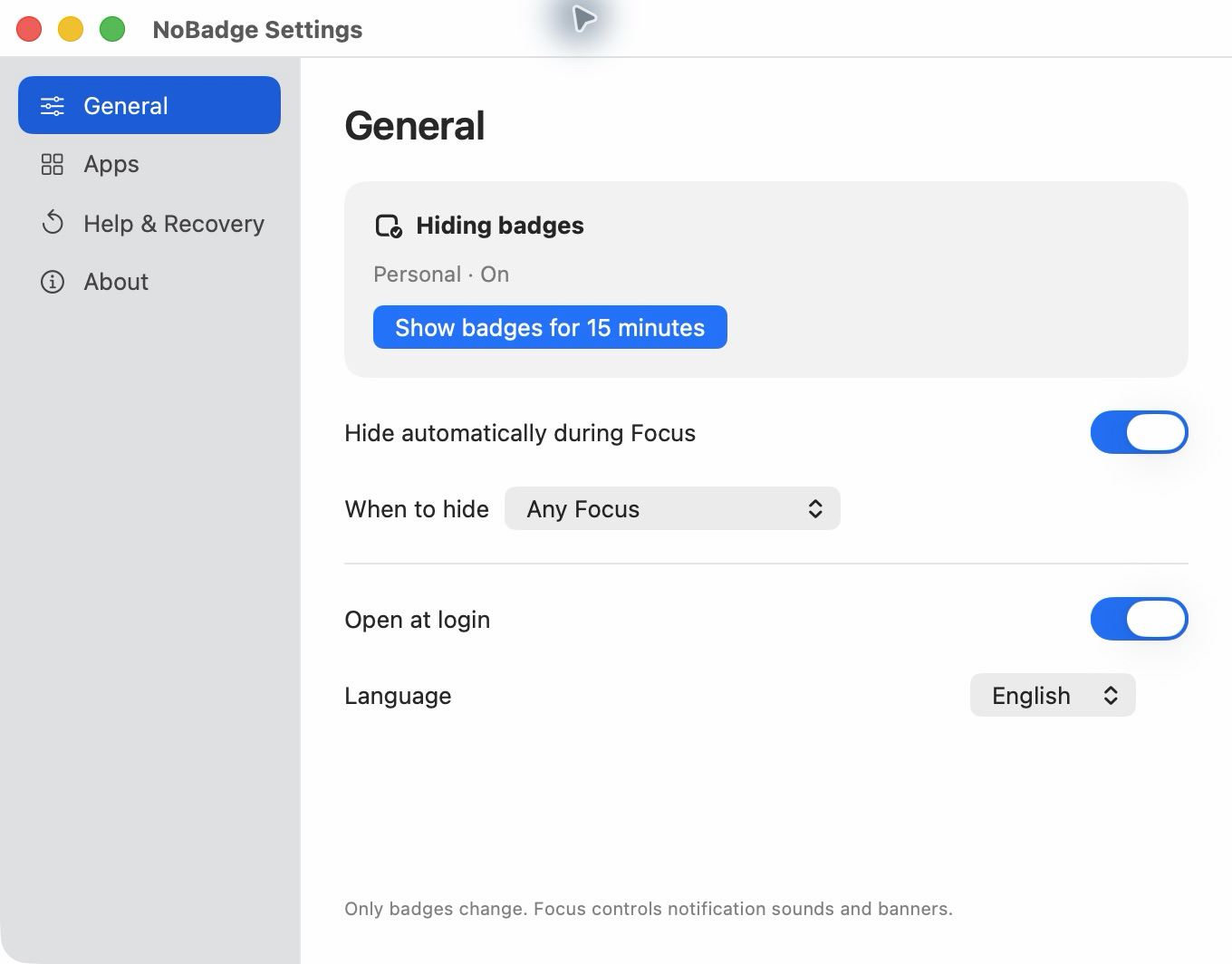
Follow any Focus, or pick the modes where you want supported badges hidden.
NoBadge restores your previous badge settings when Focus ends. Your apps stay available throughout.
Keep what matters
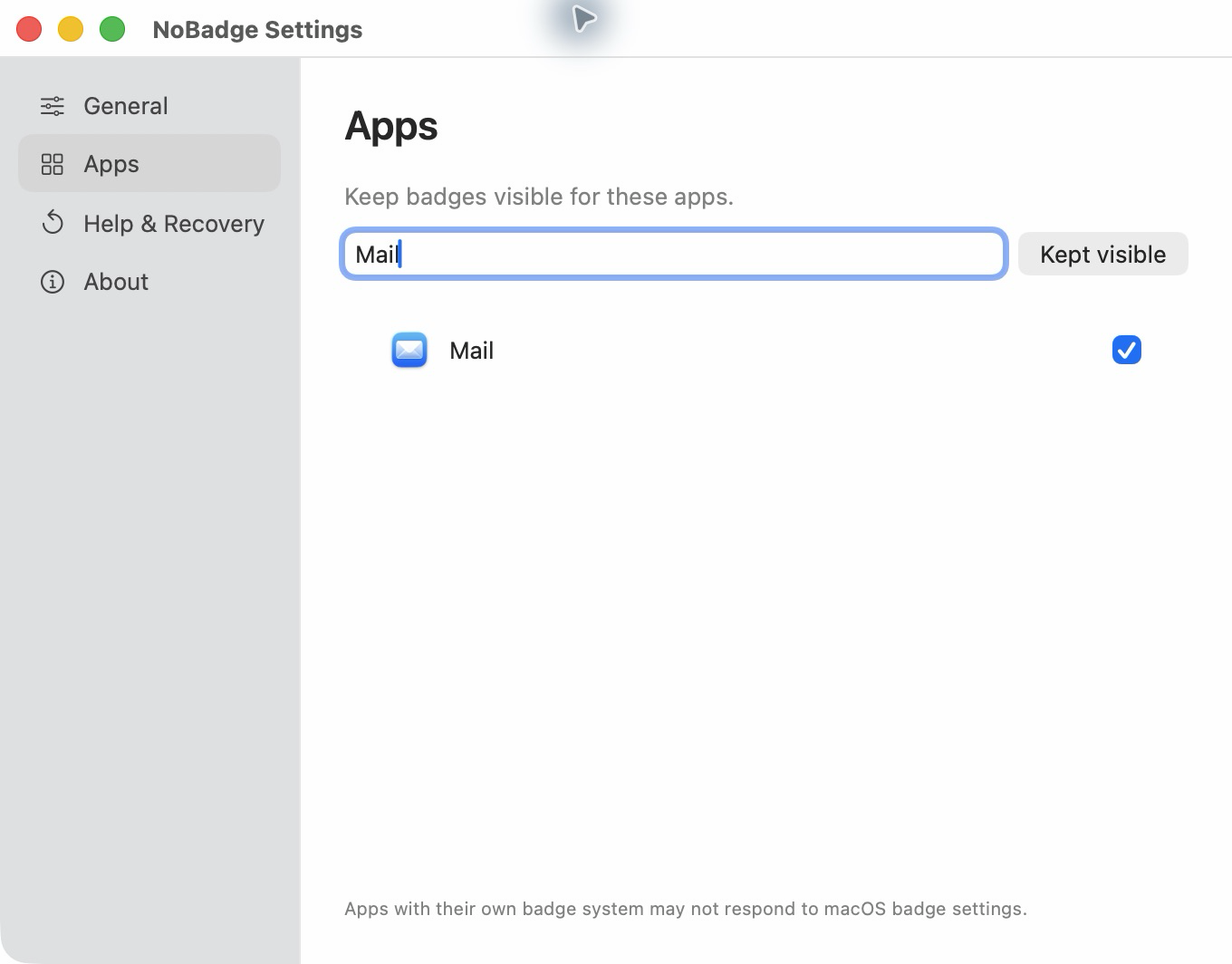
Keep badges visible for selected apps. Search by name and make your choice with one checkbox.
Some apps draw their own badges. Those may not respond to macOS badge settings.
Room for a quick check
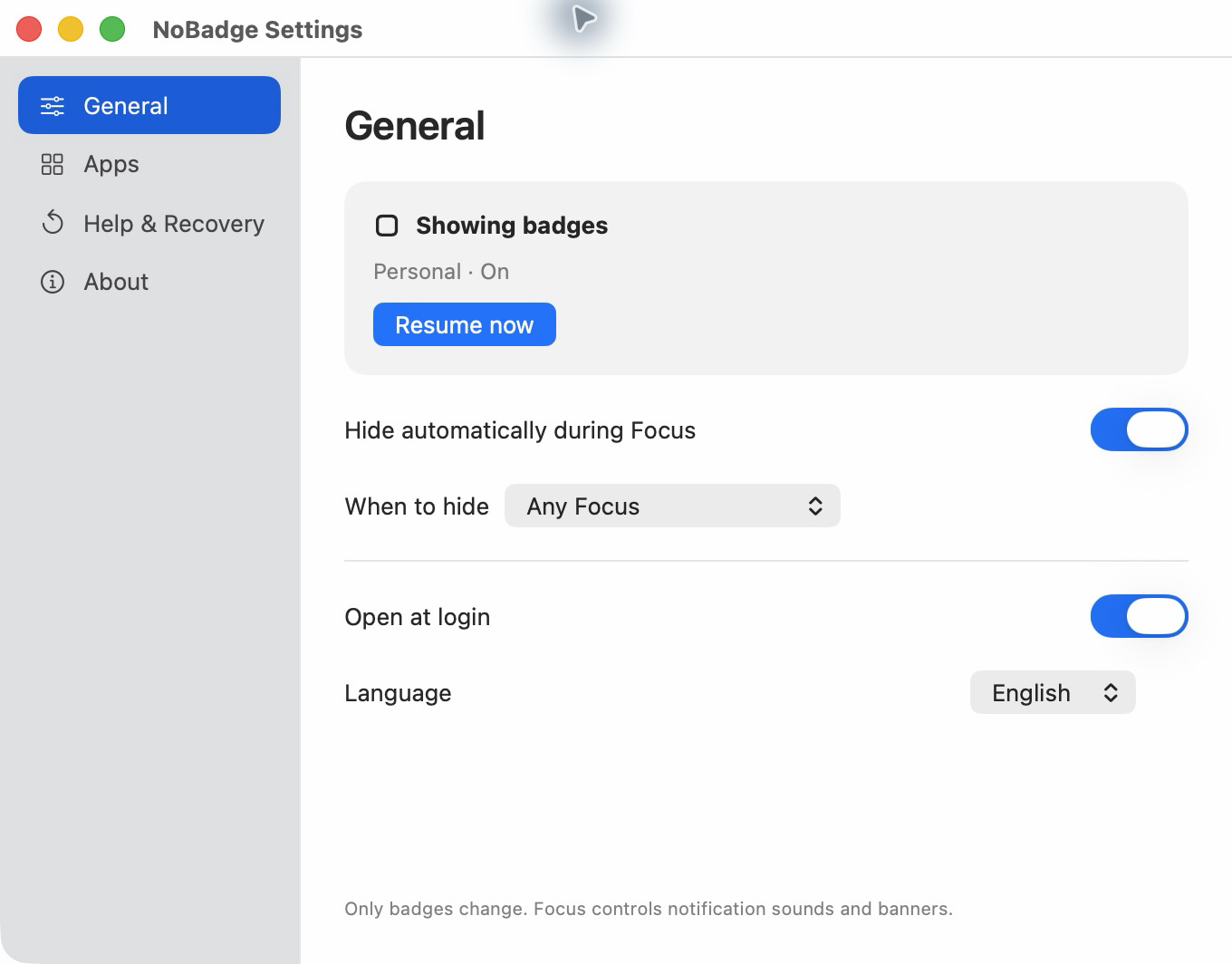
Show badges for 15 minutes without ending your Focus. Resume hiding whenever you’re ready.
Sounds, banners, and message delivery remain controlled by macOS and each app.
A closer look
See automatic hiding, app exceptions, temporary visibility, and guided access.
24-second walkthrough using actual NoBadge app captures. Read the text version.
$2.99 USD · planned, one time
No subscription. No account.
Not available to purchase yet.
Good to know
It turns off the macOS badge setting for supported apps during Focus, then restores the settings it changed. It does not mark messages as read or clear your inbox.
No. NoBadge manages badge settings. macOS Focus and each app still control notification sounds, banners, and delivery.
Yes. Open Apps, search for an app, and select it to keep its badges visible.
NoBadge is not currently available on the Mac App Store. The current preview uses a direct-download architecture. Distribution is still being finalized, and purchases are not open.
Focus and badge processing stays on your Mac. NoBadge has no analytics, advertising, or app account. Diagnostics are exported only when you choose. See our privacy policy.